

How to Prevent Double Bookings on WordPress Travel Website
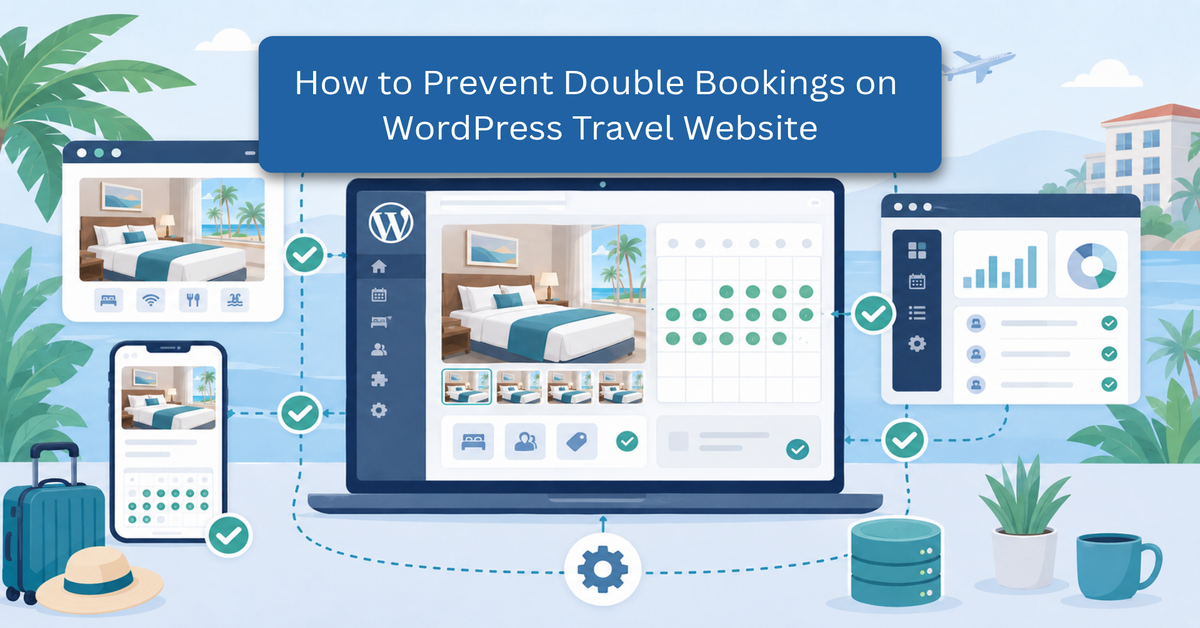
Managing an online travel platform requires a flawless coordination of dates, times, and available inventory. Whether you operate a boutique hotel, run local guided tours, or manage a fleet of rental vehicles, your website is the primary bridge between your services and your global clientele. However, maintaining this bridge becomes incredibly difficult when your technical infrastructure fails to update in real time. The moment multiple customers manage to reserve the exact same resource for the exact same slot, your operational efficiency collapses.
For travel businesses, a seamless reservation experience is not just a luxury—it is a core operational requirement. When customers look for flights, rooms, or tour slots, they expect immediate confirmation and absolute accuracy. Relying on outdated manual updates or disjointed systems opens the door to critical scheduling errors. Learning how to prevent double bookings on WordPress website experience is one of the most vital steps you can take to safeguard your brand, protect your revenue, and streamline your daily operations. To ensure your platform handles these backend adjustments safely, update WordPress before modifying core site functionality. Using an efficient WordPress reservation system can significantly mitigate these risks before they affect your customers.
What Is a Double Booking on a Travel Website?
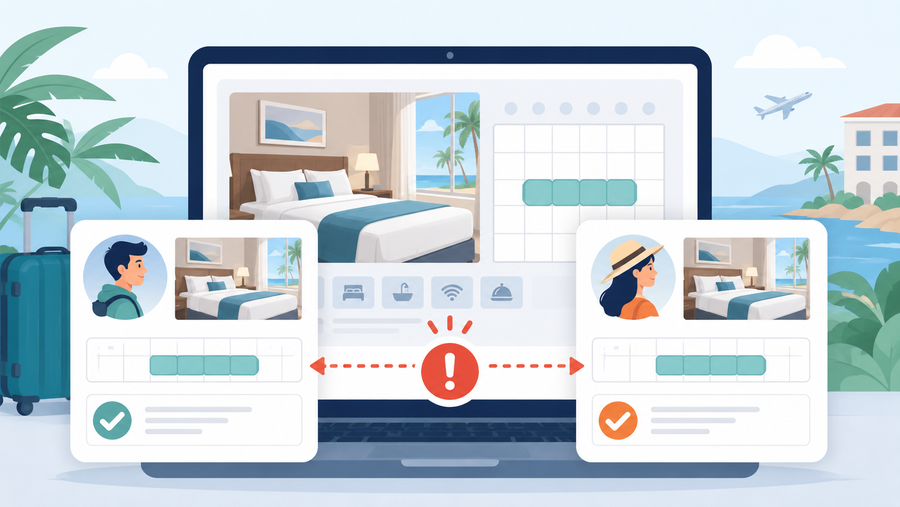
A double booking occurs when a single travel resource—such as a specific hotel room, a tour guide’s time slot, or a rental car—is successfully reserved by two or more independent customers for the exact same time period. In a functional e-commerce environment, once a slot is booked, it should instantly become unavailable to the rest of the world. A double booking represents a critical breakdown in this logic, where the system fails to lock the asset, allowing conflicting transactions to resolve simultaneously.
It is important to differentiate between intentional overbooking and accidental double booking. Large commercial airlines and massive hotel chains often practice deliberate overbooking as a calculated financial strategy, operating under the assumption that a small percentage of travellers will inevitably cancel or fail to show up. However, for independent travel websites and mid-sized operators running a WordPress reservation system, an accidental double booking is an outright technical error. It does not protect your income; instead, it forces you to turn away a paying customer who arrived with a valid confirmation voucher, creating immediate logistical and reputational friction.
Why Do Double Bookings Happen on WordPress?
Understanding why these scheduling conflicts occur is the first step toward effective WordPress double booking prevention. On a standard WordPress site, reservation issues rarely stem from a single broken button; rather, they are caused by systemic delays and synchronisation failures behind the scenes.
1. Delayed Calendar Synchronisation (iCal Lag Time)
Many travel operators list their services across multiple external platforms, such as Booking.com, Airbnb, or Expedia, while simultaneously accepting reservations directly on their own website. To keep availability uniform, businesses connect these platforms using iCal feeds. The hidden flaw here is that iCal synchronisation is rarely instantaneous. Feeds often update on a set cycle, sometimes checking for changes only once every 30 to 60 minutes. If a traveller books a villa on Airbnb, and another traveller opens your WordPress booking availability calendar fifteen minutes later, the villa will still appear open on your site. This window of lag is the primary breeding ground for conflicting reservations.
2. High-Traffic Concurrency Issues
When your travel website experiences a sudden surge in traffic—such as during a seasonal promotion or peak vacation planning periods—multiple users may browse the exact same listing at the exact same moment. If your system lacks a database-level locking mechanism, two users can proceed to the checkout screen simultaneously. Because the asset is only marked as “taken” after a payment is finalised, the system may process both payments within seconds of each other, assigning the exact same inventory item to both transactions. This conflict highlights why many operators rely on a dedicated WP hotel booking review to analyze and select platforms optimized for heavy concurrency handling.
3. Disconnected Payment Gateways
Sometimes, the issue lies in how your website communicates with your payment processor. If a customer enters their credit card information, the reservation system might wait for a definitive “success” signal from the bank before updating the availability calendar. If the payment gateway experiences a slight communication delay, or if the user closes the browser tab before the redirection script completes, the slot remains open to the public even though the first customer’s money has already been deducted.
4. Human Error in Manual Overrides
Even with automation, human intervention can cause issues. If an administrator manually changes an order status, inputs an offline phone booking incorrectly, or alters a calendar setting without checking the live inventory, it can override the automated safety checks built into the system. This creates a discrepancy between what your staff sees on the backend and what global users see on the frontend.
The Operational and Financial Impact of Scheduling Flaws
Systemic reservation overlaps are far more than minor software glitches. Because travel inventory is perishable, a room or tour slot booked twice creates an immediate operational crisis. Failing to avoid double bookings online triggers a destructive chain reaction that strains support teams, drains financial reserves, and systematically destroys search engine visibility.
- Customer Service Fatigue and Staff Burnout: The immediate fallout of a scheduling failure lands squarely on front-line personnel. When multiple parties arrive with valid vouchers for the same slot, your staff must manage high-stress confrontations. Resolving these errors requires hours spent sourcing alternative accommodations from competitors or processing manual overrides in your WordPress reservation system, disrupting daily workflows and accelerating employee burnout.
- Direct Financial Erosion and Compensation Costs: Duplicate reservations cost far more than a simple refund. If you cannot honour a confirmed booking, you must secure an equivalent or superior alternative at your own expense, often paying premium walk-in rates to competitors during peak seasons. Additionally, payment processors do not waive transaction fees for refunds, third-party channels often levy strict contractual penalties for unfulfilled reservations, and you must often issue expensive compensation like future travel vouchers to appease guests.
- Reputational Damage and Decreased Digital Authority: Modern travel businesses depend heavily on user feedback from platforms like TripAdvisor and Google Reviews. A single-stranded traveller is highly motivated to leave public, highly critical reviews online, which directly suppresses your conversion rates. Furthermore, search engine algorithms track user behaviour; when users click your link and immediately bounce back to search results due to poor brand trust, your core organic rankings drop. Additionally, database lag and slow response times exacerbate booking errors, making it critical to learn how to speed up WordPress travel website performance to keep scheduling scripts running instantly. Prioritising robust WordPress double booking prevention is vital to protect your search visibility and long-term traffic.
Core Technical Strategies to Avoid Double Bookings Online
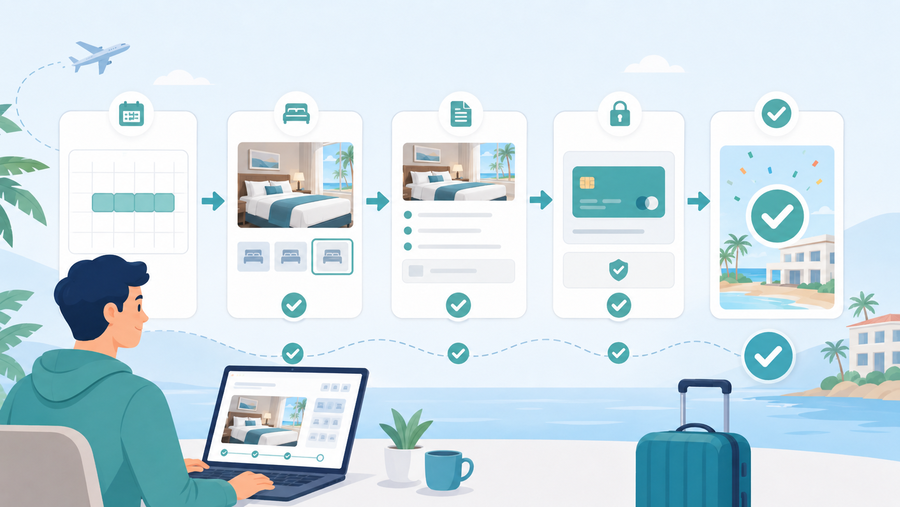
To establish an automated, error-free booking environment, a travel website must move beyond passive record-keeping. The technical architecture of your platform needs to protect your inventory at the precise moment a user initiates a transaction. If you are configuring your platform from scratch, understanding how to set up a WordPress appointment booking system properly ensures that synchronous data processing rules are established early. Relying on basic configurations often leaves gaps during high-traffic periods, making technical strategies essential for robust WordPress double booking prevention.
Real-Time Database Row Locking
The most effective defence against simultaneous checkout conflicts is a database management concept known as row locking. In a standard setup, database tables are open to multiple simultaneous read and write requests. If two users click the final payment button at the same second for the last available tour slot, a basic system might process both payments before updating the total inventory count.
Implementing row locking changes this behaviour entirely. The moment one user initiates the final checkout process, the system isolates that specific inventory row in the database, locking out all other write requests. When the other transaction attempts to process later, the database recognises the active lock, pauses the request, and safely rejects it once the first payment is confirmed. This prevents concurrency issues during flash sales or peak booking seasons.
Utilising Instantaneous Webhooks Over iCal Polling
Many travel operators link their WordPress reservation system to external distribution channels using standard iCal feeds. While iCal is useful for broad calendar sharing, it relies on a polling mechanism where your website checks the external feed at set intervals, such as every thirty or sixty minutes. This delay creates an availability blind spot.
You can consider configuring direct API-based integrations or real-time webhooks. Webhooks operate on an event-driven model: the exact instant a reservation occurs on an external platform, an encrypted notification payload is pushed directly to your WordPress database. Your site processes this data immediately and updates your live availability in seconds, eliminating the synchronisation lag that frequently causes duplicate bookings. This transition is essential to prevent double bookings on WordPress across all distribution channels.
Inventory Buffers and Centralised Availability Pools
Another core technical strategy involves decoupling your physical inventory from direct frontend exposure. If you operate a tour company with three identical boats, your system should not list three individual, disconnected booking products online. Instead, your backend should manage a centralised availability pool.
You can also program mathematical buffers directly into your system’s scheduling logic. For instance, if a specific guided excursion requires intensive cleanup or staff transition time, the system can generate an un-bookable “buffer window” before and after the actual reservation. This ensures that even if an offline, manual update is delayed, the automated system has built-in breathing room, preventing consecutive appointments from overlapping.
Designing a Foolproof Booking User Flow
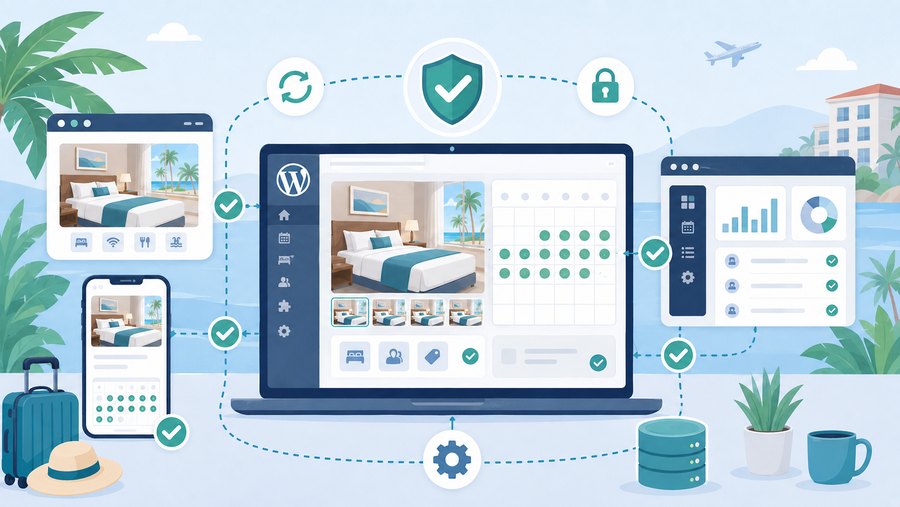
Preventing scheduling errors is not entirely a matter of backend database commands; it also depends on how you structure the user experience on the frontend of your website. A poorly designed checkout path permits scheduling conflicts simply by leaving selected dates exposed to the public while a customer completes their purchase.
Implementing Temporary Inventory Holds During Checkout
When a user is actively typing their passport numbers, billing addresses, and credit card details, they are highly vulnerable to having their chosen slot purchased from underneath them by another visitor. To stop this from happening on your WordPress booking availability calendar, the system must implement a temporary, server-side inventory hold.
The moment a customer selects an open date and advances to the checkout screen, the system should temporarily subtract that item from the active inventory pool, marking it as “pending.” A visible countdown timer should be displayed to the user, typically granting ten to fifteen minutes to complete the transaction safely. If the timer expires or the user closes the browser window, the temporary hold is lifted, and the slot is cleanly returned to the public pool. This ensures that your inventory is securely protected during the critical moments leading up to payment authorisation.
Strict Form Validation and Automated Session Management
Input errors are a hidden cause of conflicting schedules. If a user accidentally double-clicks a submit button due to a slow internet connection, a poorly optimised form script might send two identical creation requests to your server. To counter this, your system must utilise strict form validation and double-submission tokens. Once the submit button is pressed, frontend scripts should immediately disable the button and display a loading indicator, while backend scripts verify the uniqueness of the session token before generating a booking record.
Furthermore, automated session management ensures that if a customer opens multiple browser tabs to compare different tour packages, their active session remains tightly bound to a single transaction path. This prevents a user from accidentally submitting two conflicting reservation requests simultaneously from the same device, keeping your live database clean and predictable.
Mandatory Real-Time Payment Synchronisation
A robust checkout flow must require that a booking state is tied directly to the confirmation status of your payment gateway. Your website should never mark an order as “processing” or “completed” based on the mere assumption that a payment form was filled out. Instead, your reservation platform must wait for a direct, secure server-to-server confirmation signal from your gateway provider.
By enforcing synchronous verification steps, you prevent situations where an abandoned checkout path inadvertently blocks a date. Keeping the payment verification step strictly synchronised with the database update status is a requirement to prevent double bookings on WordPress sites during periods of heavy commercial activity.
Frequently Asked Questions (FAQs)’
What is the most effective way to avoid double bookings online?
The most reliable method is to transition away from standard, time-interval calendar polling and implement direct API-based synchronisation or real-time webhooks. This ensures that the moment a reservation occurs on any channel, your central database instantly updates, making it impossible for another user to select those same dates.
How does a dedicated WordPress reservation system protect my site during high-traffic sales?
An advanced reservation setup uses a database mechanism known as “atomic transactions” or “row locking.” When a customer selects a specific travel slot and enters the checkout phase, the system isolates that specific inventory row in the database, blocking all other users from modifying or purchasing it until the initial transaction is completed or timed out.
What should I do immediately if a double booking occurs on my travel site?
You should immediately contact the customer whose reservation was processed second, offer a transparent explanation, and provide an immediate alternative, such as upgraded accommodations, alternative tour dates, or a full refund alongside a discount voucher for future travel. Once the human element is resolved, audit your system logs to determine if the conflict was caused by sync lag, caching, or payment gateway delays.
Conclusion
Operating a successful travel platform relies entirely on predictability and trust. When travellers plan their vacations, they place their schedules and resources in the hands of your online system. Experiencing automated conflicts not only disrupts your daily operations but also directly erodes the professional reputation you have worked hard to build. Incorporating a reliable WordPress reservation system ensures that your backend automation works flawlessly behind the scenes.
By taking a proactive approach to prevent double bookings on WordPress, owners can eliminate the technical gaps that cause overlapping reservations. Ensuring your site utilises real-time synchronisation, proper database handling, and a clear user checkout workflow protects your business from unnecessary logistical chaos. Ultimately, a clean, dependable system ensures that your guests enjoy a flawless experience from the moment they click “book” until they arrive at their destination.
Read more: How to Build a Multi-Currency Travel Booking Website for Global Audiences
You may also like
10+ Best WordPress Themes for Cafes to Elevate Your Brand
Posted on March 31, 2026The aroma of freshly roasted beans is a classic draw for any local shop. However, your first customer likely finds you through a smartphone screen rather than a storefront. A great cafe needs a great digital home to thrive. This is exactly where the best WordPress themes for cafes come into play.


10 Best Travel WordPress Themes for Travel Bloggers & Agencies
Posted on March 19, 2026Creating a captivating online presence requires more than high-resolution photos; it demands a functional, fast, and aesthetically pleasing foundation. Choosing the best travel WordPress theme is a critical decision that influences everything from your site’s loading speed to its search engine rankings and user conversion rates.
Whether you want to be