

Top 7 Tour Booking Website Features that you Should Have
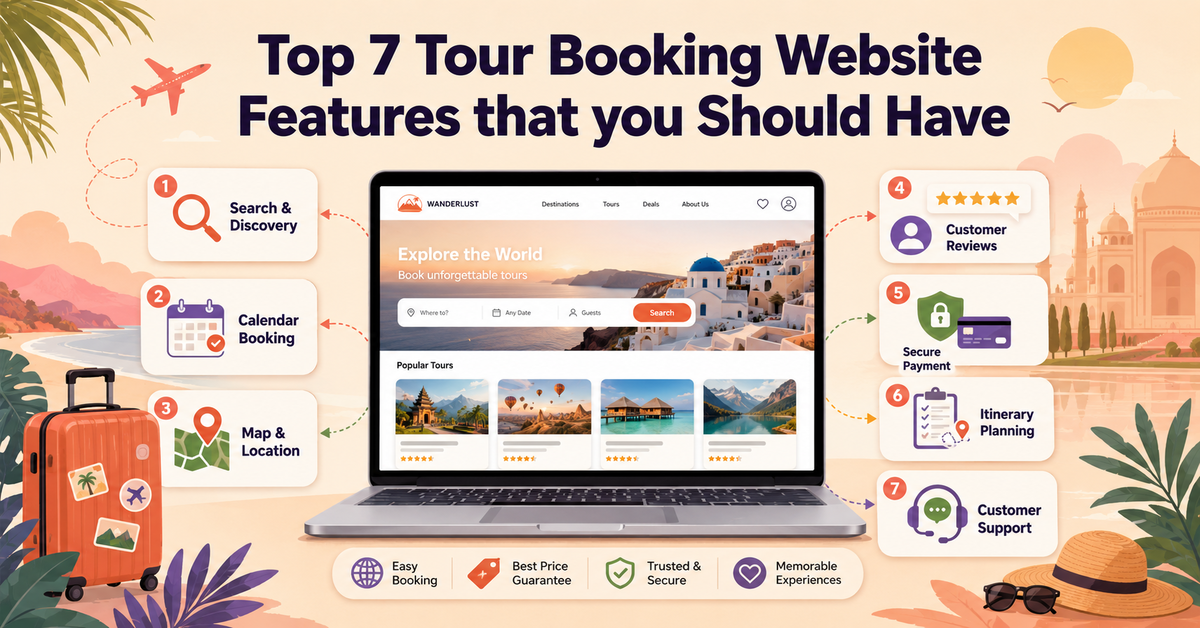
The global tourism landscape is evolving rapidly, driven by travellers who demand instant gratification, absolute transparency, and seamless digital experiences. Today, the travel journey begins entirely online, making your digital presence just as critical as the physical tour you provide. For modern tour operators, a website is no longer a simple static digital flyer or a basic contact form; it serves as your primary storefront, your 24/7 customer service representative, and your most efficient sales engine.
When a user visits your platform, they look for ease of use, security, and speed. If your site is difficult to navigate or requires a lengthy back-and-forth email exchange just to secure a spot, potential customers will simply click away to a competitor. In a highly competitive market, your digital infrastructure determines your growth trajectory, turning casual browsers into paying customers.
Building a high-performing platform requires a deep understanding of standard tour booking website features. To compete effectively, you can learn how to make a travel website with WordPress that aligns with modern digital standards. This comprehensive guide breaks down the structural elements and travel booking website requirements necessary to build a platform that streamlines your operations and maximises your online conversions.
Why Your Platform Needs These Advanced Features
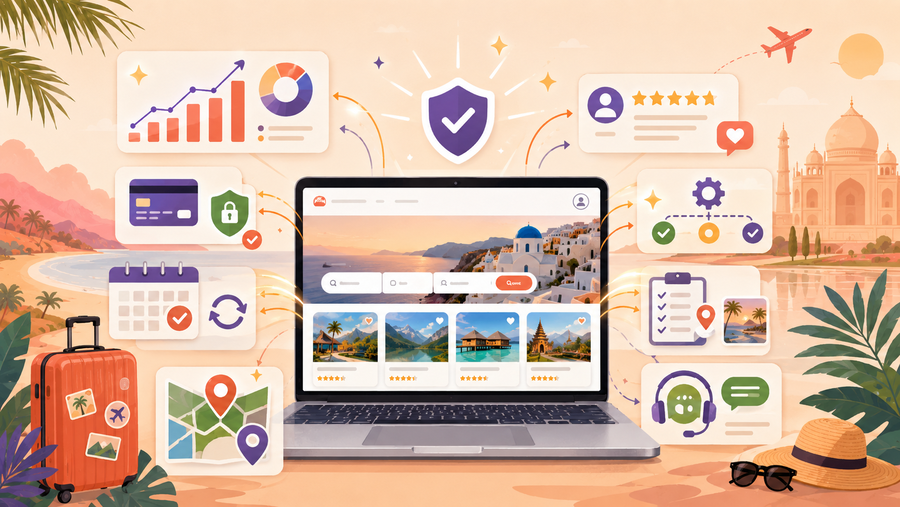
Investing in the right technical setup is a fundamental business strategy that directly impacts your operational efficiency and your bottom line. When your site features the correct operational tools, it resolves critical friction points for both your internal team and your global customer base.
1. Capturing the Modern Independent Traveller
Today’s travellers prefer to research, compare, and finalise their travel plans on their own schedule, often outside of traditional business hours. If your website relies on a “Contact Us for Pricing” model or requires manual booking confirmation emails, you create immediate friction. Implementing modern online tour booking system features allows you to capture spontaneous buyers and international travellers in different time zones who want to secure their tickets immediately.
2. Radical Reduction of Operational Overhead
Managing a tour company involves significant administrative labour, including tracking guest counts, updating availability, sending confirmation emails, and managing cancellations. Without an automated platform, your staff spends hours on repetitive manual data entry. By embedding the right tour operator website features directly into your infrastructure, your system handles these tasks automatically. The software processes the payment, updates the inventory in real-time, and dispatches the necessary tickets, freeing your team to focus on delivering customer service.
3. Data Centralisation and Business Intelligence
A sophisticated website acts as a centralised data hub for your entire business. Every click, booking, and customer preference provides valuable information. When you integrate comprehensive essential features of a travel website, you gain clear visibility into your business metrics. You can instantly see which tours are your top sellers, pinpoint seasonal booking trends, and identify exactly where users drop off in your checkout funnel. This data allows you to make informed decisions regarding your marketing spend and resource allocation.
4. Establishing Market Credibility and Trust
Online security threats make modern consumers naturally cautious about where they share their credit card information. A professional, smoothly functioning website that communicates clear policies and utilises secure payment channels instantly builds trust. Conversely, a broken layout, slow loading speeds, or a confusing checkout process raises immediate red flags. Your website’s functionality acts as a direct reflection of your tour quality, reassuring travellers that their tour will be handled with professionalism.
7 Essential Features Every Tour Booking Website Should Have
1. Real-Time Live Availability and Instant Booking Engine
One of the most critical tour booking website features of a high-converting platform is the ability to show customers exactly what slots are open at any given moment. If a visitor has to send an email or fill out a form to ask if a tour is available next Tuesday, they will likely leave your site and find a competitor who can confirm their spot immediately.
An automated engine connects your front-end customer interface directly with your back-end schedule. The moment a spot is booked, the system updates across all devices. This eliminates the risk of double-booking a popular time slot, which can damage your brand’s reputation and create administrative problems for your staff.
Key Functional Components
- Live Interactive Calendars: Clean, visual calendars on your tour pages that show open dates, sold-out slots, and real-time remaining capacities
- Instant Confirmation Automation: The system automatically generates a secure booking confirmation, receipt, and digital ticket to the customer within seconds of a completed transaction.
- Time-Zone Synchronisation: For international travellers booking from different parts of the world, schedules should clearly display the local time of the tour to avoid any scheduling confusion.
To implement this, integrate a dedicated tour reservation plugin into your content management system to support these core tour operator website features. Avoid using generic booking calendars designed for standard appointments, as they cannot handle complex tour variables like group caps, staggered start times, or seasonal pricing shifts. Ensure your internal team can easily access the master schedule from a mobile app or browser to monitor guest lists on the go.
2. Secure, Multi-Currency Payment Gateway Integration
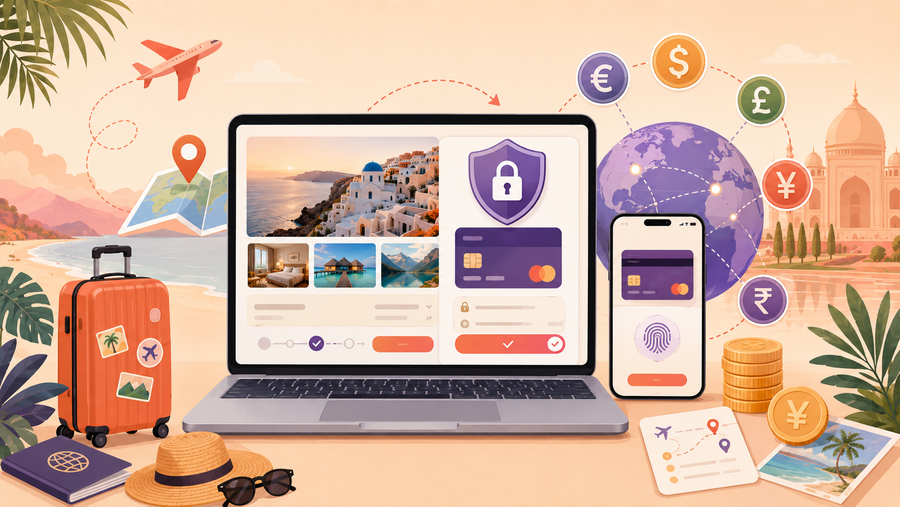
Once a traveller decides to book your tour, the checkout experience must be completely secure. A confusing, slow, or sketchy payment process is the main reason online shoppers abandon their carts at the very last second. Your platform needs a robust system that handles financial data safely while offering the modern online tour booking system features your guests prefer.
Because tour operators often serve an international audience, you can follow a guide to build a multi-currency travel booking website so your payment system accommodates multiple currencies. Allowing a traveller to view prices and pay in their own local currency can improve conversion rates.
Key Functional Components
- SSL Encryption and PCI Compliance: Essential security protocols that protect sensitive credit card details, ensuring data is encrypted and processed safely
- Diverse Payment Method Support: Integration with reliable global processors to accept major credit cards, debit cards, and popular modern digital wallets.
- Localised Currency Display: A toggle tool or automated location detection that shows the tour price in the user’s regional currency alongside your local operating currency.
Partner with reputable, global payment gateways, weighing your options between Stripe vs PayPal WordPress integrations, which offer ready-made modules to complete your travel booking website requirements. These services handle the complex compliance and security infrastructure for you. Keep the checkout page incredibly simple: remove unnecessary navigation links, only ask for essential guest information, and display clear badges that prove the transaction is secure.
3. Fully Responsive Mobile Design and Optimisation
A massive portion of travel planning and booking happens on smartphones. Travellers often look for and book activities while they are already at their destination. If your website is difficult to read, slow to load, or hard to navigate on a mobile screen, it lacks the essential features of a travel website, causing you to lose a significant amount of revenue to more modern platforms.
Mobile optimisation means your entire layout automatically rearranges itself to fit perfectly on any screen size. Buttons must be large enough to tap easily with a thumb, text must be highly readable without zooming, and menus should be simplified so users can find information with minimal clicks.
Key Functional Components
- Thumb-Friendly Navigation: Essential elements, like the “Book Now” button, placed within easy reach of a user’s thumb, often as a sticky bar at the bottom of the screen.
- Fast Loading Speeds: Optimised images and clean code that allow pages to load instantly, even on slower mobile data networks.
- Simplified Mobile Checkout Form: Minimising the amount of typing required by using autofill options, large dropdown menus, and clean touch-keypads for numerical data.
Test your website regularly on multiple mobile devices and tablets to ensure these tour booking website features function smoothly. Avoid heavy video backgrounds or large, uncompressed images that eat up mobile data and slow down your site. Keep your design clean and minimalist, ensuring the path from landing to checkout takes as few steps as possible.
4. Dynamic Visual Itineraries and Media-Rich Content
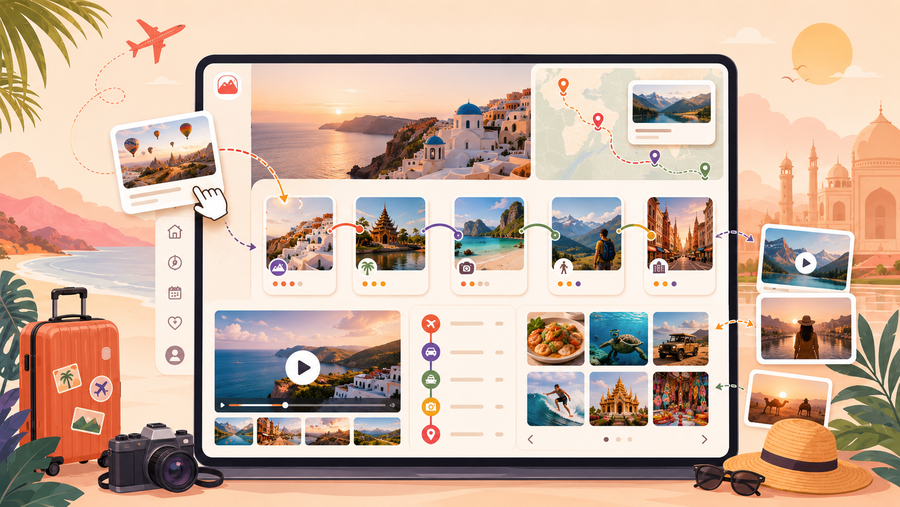
When people buy a tour, they cannot physically touch your product before purchasing. That’s why your website needs to meet modern travel booking website requirements to make the experience feel just as real. Plain text descriptions are rarely enough to convince someone to book a high-value activity.
A media-rich layout breaks down exactly what the traveller will experience throughout their journey. Using high-quality photos, short video clips, and interactive timelines makes the itinerary clear and engaging. This helps manage customer expectations, showing them exactly what is included, what they will see, and what they need to bring.
Key Functional Components
- Interactive Timelines: Step-by-step visual breakdowns of the tour schedule that clearly show activity points.
- High-Resolution Photo and Video Galleries: Optimised visual content that showcases real guides rather than generic stock photos.
- Clear “Inclusions and Exclusions” Toggles: Highly visible, easy-to-read sections detailing what the price covers.
Practical Implementation Strategy
Organise your tour pages so that the visual elements sit near the top. Use structured accordion tabs or bulleted lists for detailed daily itineraries so the page stays clean. Make sure all media files are properly compressed so they don’t hurt your website’s loading speed.
5. Integrated Customer Reviews and Social Proof Modules
Modern travellers want to know what past guests say to validate their choice. Displaying customer reviews directly on your own website is one of the most effective essential features of a travel website that can keep users from leaving your platform.
Social proof acts as a powerful psychological trigger. Seeing positive words from real people reassures hesitant buyers that your company is reliable, safe, and worth the investment. It provides a transparent look at the quality of your service.
Key Functional Components
- Verified Customer Review Badges: A system that automatically invites past guests to leave reviews.
- Star Rating Aggregators: Clear visual summaries at the top of tour pages showing the average rating score and the total number of reviews submitted.
- Third-Party Review Integration: API feeds that pull your latest positive reviews directly from trusted platforms onto your site.
To do this, you need to set up an automated email system that reaches out to your guests and provides a direct, easy link to leave a review. Use a clean review widget on your tour pages that allows users to filter comments by specific topics so they can quickly find the feedback most relevant to their needs.
6. Automated Communication and Notification Ecosystem
The customer journey does not end the moment a credit card is processed. In fact, the period between the initial booking and the day of the tour is critical for ensuring smooth operations. Relying on manual emails creates a massive administrative burden, failing to deliver the modern automation expected from core tour operator website features.
An automated communication ecosystem can handle all correspondence seamlessly. By triggering specific alerts based on customer actions or timing, you can still keep your guests informed.
Key Functional Components
- Instant Digital Ticket Delivery: Automated emails sent immediately after payment containing scannable QR codes, booking references, and downloadable PDF vouchers.
- Timed Pre-Tour Reminders: Scheduled notifications sent a few days before the tour, detailing meeting coordinates, weather updates, and what to wear or pack.
- Post-Experience Feedback Triggers: Automated thank-you emails dispatched shortly after the tour concludes.
Configure your website’s back-end booking software to link directly with a reliable email delivery service to prevent your automated confirmations from landing in spam folders. Keep the layout of these transactional emails highly functional and clean so travellers can easily access them on their phones while on the move.
7. Robust Inventory Management and Back-End Analytics
Your digital platform needs an equally powerful backend system to support your daily operations. A central backend dashboard acts as the command centre for your business. It allows your staff to adjust capacities instantly, block out dates for private events, or change pricing tiers. Furthermore, integrated analytics provide clear data that allows you to make strategic decisions based on real numbers.
Key Functional Components
- Centralised Capacity Controls: Smart inventory systems that automatically update available spots, preventing accidental overbooking.
- Flexible Resource Allocation: The ability to assign specific assets to multiple tour types dynamically.
- Real-Time Sales and Channel Analytics: Clear visual dashboards tracking total data.
Ensure your backend dashboard features an intuitive layout that your operational staff can navigate quickly without technical training. If you distribute your tours through third-party platforms, use a system that offers API connectivity. This ensures that a ticket sold on an external marketplace instantly reduces the inventory available on your main website, keeping your operations fully synchronised.
Frequently Asked Questions (FAQs)
What are the absolute minimum tour booking website features needed to start selling online?
To begin accepting reservations online safely, your platform requires three core elements: an up-to-date calendar showing live availability, a secure payment gateway to process credit cards, and an automated email system to send receipts and tickets. While additional features enhance your marketing and operations, these three components form the foundational travel booking website requirements needed to conduct digital business.
Why should I invest in an integrated booking system instead of using a standard contact form?
A contact form introduces unnecessary delays, requiring manual email exchanges to confirm dates, verify availability, and collect payment. During this waiting period, customers often lose interest or book with a competitor who offers instant verification. Utilising dedicated online tour booking system features captures the customer at the peak of their purchasing intent, securing the sale immediately and eliminating manual administrative work for your staff.
How do modern tour operator website features help reduce last-minute customer cancellations?
Modern systems reduce cancellations through clear communication and automated reminders. By utilizing automated notification systems, you can send timed reminders leading up to the tour date, complete with clear preparation instructions, meeting locations, and your official cancellation policy. Providing clear information early builds confidence and reduces the likelihood of no-shows or last-minute changes.
Can these essential features of a travel website handle complex, custom group bookings?
Yes. Advanced reservation platforms allow you to create custom private tiers, tiered group pricing structures, and add-on options directly within the system. For highly customised corporate packages, your site can feature a dedicated inquiries portal that gathers all necessary logistical details upfront, allowing your team to generate custom, payable booking links for the client.
Conclusion
Building a successful online tour business requires a digital platform that prioritises clarity, efficiency, and user experience. By focusing on core tour booking website features, you remove the friction points that cause potential customers to abandon their carts. Your website should serve as an inviting, highly functional entrance to the physical experiences you provide.
At the same time, the back-end system must support your daily operations. Transitioning away from manual confirmation emails, fragmented spreadsheets, and complex administrative tasks allows you to scale your business efficiently. When your platform handles reservation management automatically, your team can dedicate their energy to what truly matters: delivering memorable experiences to your guests.
As you plan your digital updates, remember that clarity beats complexity. Focus on creating a clean, easy-to-understand layout that guides users naturally from discovery to final checkout. Investing in these essential travel booking website requirements creates a scalable sales engine that works for your business 24 hours a day, positioning your brand for consistent growth in a competitive marketplace.
You may also like
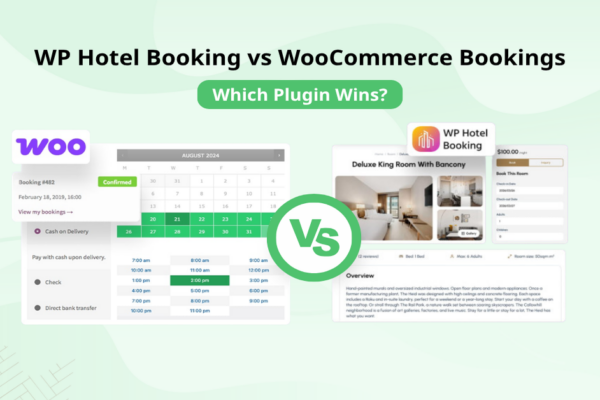
WP Hotel Booking vs WooCommerce Bookings: Which Plugin Wins?
Posted on May 27, 2026
Choosing the right booking system is a pivotal decision for any accommodation business owner. As you navigate the crowded landscape of WordPress plugins, you will inevitably encounter two major contenders: WP Hotel Booking vs WooCommerce Bookings. Both tools aim to solve the problem of automating reservations, but they do so with fundamentally different philosophies.

WP Hotel Booking Review: The Best Hotel Booking Plugin?
Posted on May 6, 2026Creating a professional, functional, and high-converting hotel website is a massive undertaking. Whether you are managing a luxury resort, a boutique hotel, or a cosy homestay, you need more than just a gallery; you need a powerful engine that handles everything from room availability to payment processing. The WP Hotel Booking plugin stands out