

WP Hotel Booking vs WooCommerce Bookings: Which Plugin Wins?
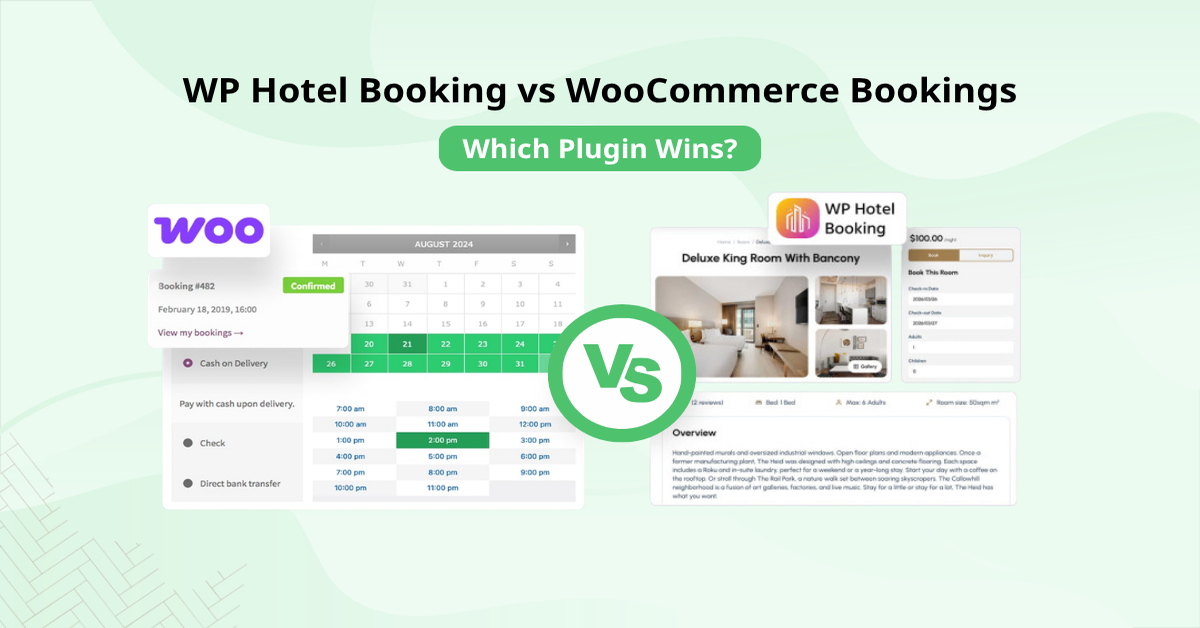
Choosing the right booking system is a pivotal decision for any accommodation business owner. As you navigate the crowded landscape of WordPress plugins, you will inevitably encounter two major contenders: WP Hotel Booking vs WooCommerce Bookings. Both tools aim to solve the problem of automating reservations, but they do so with fundamentally different philosophies.
Selecting the wrong tool can lead to unnecessary technical hurdles or, worse, a frustrated customer experience. A WordPress booking plugin comparison is essential because your choice dictates how you handle payments, manage room availability, and interact with your guests. In this guide, we will examine how these two solutions stack up, helping you decide which one best fits your unique business requirements and operational scale.
What is WP Hotel Booking?

When searching for the right hotel reservation plugin comparison tool, many hoteliers land on WP Hotel Booking for its niche-specific depth. It is a purpose-built, all-in-one solution designed specifically for the hospitality industry. It functions as a complete ecosystem for property management rather than just a simple calendar tool. Because it is engineered for hotels, hostels, and vacation rentals, it includes native support for core hospitality tasks like seasonal pricing, complex room rate structures, and extra service management (such as airport transfers or spa packages).
When you install this plugin, you get a system. It features a dedicated booking wizard, room inventory management, and a backend dashboard that mimics the workflow of professional property management software. It removes the need for extra extensions because the core requirements, like check-in/check-out management and tax configurations, are built into the plugin’s foundation. For business owners who want to avoid the bloat that comes with cobbling together various tools, this dedicated approach provides a clean, unified experience.
It is the gold standard for those seeking WP hotel booking alternatives that prioritise ease of use and industry-specific functionality over general eCommerce flexibility. Learn how to make a travel website with WordPress if you are just beginning your property management journey.
What is WooCommerce Travel Bookings?
WooCommerce Bookings is a robust, premium extension that transforms your existing WordPress store into a versatile service-selling engine. Unlike the niche-focused WP Hotel Booking, this tool operates on a product-based model. It treats a hotel room or a rental unit as a “bookable product,” allowing it to tap into the massive WooCommerce ecosystem. This is a massive advantage for businesses that already rely on WooCommerce for their primary operations, as it allows for seamless integration with existing payment gateways, inventory tracking, and sales analytics.
However, the power of WooCommerce Travel Bookings comes with a steeper learning curve. Because it is a general-purpose hotel reservation plugin comparison winner for flexibility, it does not come pre-configured for the hotel industry. You are effectively building your own booking architecture. You can set up custom time slots, define buffer periods, and create intricate pricing rules based on customer segments, but you will often need to pair it with other WooCommerce extensions to replicate the native hotel features found in dedicated plugins. It is the ideal choice for developers or business owners who need a WooCommerce travel booking solution that can scale into other service areas, like selling tours or event tickets alongside room reservations.
WP Hotel Booking vs WooCommerce Bookings: Detailed Comparison
Choosing between these two depends on your technical comfort level and your business goals. Let’s break down some of the most critical factors.
Pricing Flexibility

Pricing logic is where the divergence between a niche tool and a general tool becomes most apparent. When reading any hotel reservation plugin comparison, you’ll find that WP Hotel Booking handles seasonal pricing much more natively than its counterparts. It allows you to create pricing plans based on specific date ranges, seasons, or holidays with minimal effort. If you need to implement a length-of-stay discount, where a guest gets a lower nightly rate for staying seven nights rather than three, the plugin handles this natively. You can also easily bundle “extra” services like breakfast or airport pickups into the room rate, which is essential for maximising revenue per guest without creating a complicated storefront.
WooCommerce Bookings, meanwhile, offers a variable-based approach. Because it treats every booking as a standard product, you can leverage the full range of WooCommerce pricing features. Unlike some WP hotel booking alternatives, WooCommerce Bookings leverages the massive ecosystem of payment gateways. You can set up person-based pricing, charging different rates for adults, children, or groups, which is a useful feature.
Furthermore, because you are using the WooCommerce tax and coupon engine, you can create highly specific promotional campaigns or complex tiered taxes based on the user’s location. The trade-off, however, is that you are often required to manage these variables manually within the product settings. It is a powerful system, but it requires you to set up intricate dynamic pricing rules that a hotel-specific plugin might provide as a pre-configured option.
Payment Integration
Handling payments securely is the final, critical step in the guest journey. WP Hotel Booking generally provides built-in support for standard gateways like PayPal and Stripe, alongside offline payment options (such as bank transfers or payment on arrival). This simple approach ensures that you don’t need to install extraneous plugins just to accept money. Most hotel owners find this sufficient, as it covers the vast majority of standard booking scenarios without the potential conflicts that come with third-party payment extensions.
WooCommerce Bookings operates on a completely different scale. By utilising the WooCommerce checkout flow, it instantly grants you access to every payment gateway in the WooCommerce ecosystem. If your business requires financial tools, such as automated invoicing, split payments, or complex subscription billing, this is a massive advantage. However, because it is tethered to WooCommerce, you must manage your payment settings through the broader store configuration. While this offers limitless flexibility for businesses that sell both products and services, it can feel unnecessary if your sole objective is to take a simple room deposit or full payment for a nightly stay.
Extensibility and Add-ons
If you are looking for long-term scalability, the extensibility of these plugins becomes a vital consideration. WP Hotel Booking typically follows a modular path. If you need advanced features, you usually look for official add-ons that specifically address hotel needs, such as an iCalendar (iCal) synchronisation tool to keep your property listed accurately on platforms like Airbnb or Booking.com, or specific tax-compliant invoice generators. Because the ecosystem is focused, the plugins and add-ons are designed to work together without crashing into the same settings.
WooCommerce Bookings benefits from the immense, sprawling WooCommerce developer community. Many users exploring WP hotel booking alternatives eventually choose WooCommerce for its vast library of extensions. If you can imagine a feature, there is likely a WooCommerce extension that already does it. The challenge here is plugin bloat; adding too many extensions can impact your site’s performance and make troubleshooting more difficult when things go wrong. If you are building a multi-faceted business where your bookings are just one part of a larger online operation, the variety of the WooCommerce library is unrivalled. If you are simply running a boutique hotel, however, you may find that this level of extensibility creates more management work than it solves.
Setup and Ease of Use

In this WordPress booking plugin comparison, the ease of setup for WP Hotel Booking stands out for its ‘box-ready’ hospitality features. Upon activation, the WP Hotel Booking typically guides you through a streamlined onboarding process, automatically creating essential pages like the search results page, user account dashboard, and checkout. Its settings are categorised intuitively under a hotel-specific menu. Because the structure is predefined, you only need to fill in the blanks, rather than building the architecture from scratch, which drastically reduces the time to launch. If you find your site slowing down after adding these features, you should follow our guide on how to speed up a WordPress travel website.
Conversely, WooCommerce Travel Bookings operates differently because it relies on the standard WooCommerce product workflow. To get started, you must first ensure you have WooCommerce installed and configured. Once active, you create a product through the standard product dashboard. While this is incredibly familiar to anyone who has managed an online store, it can be overwhelming for those who don’t need the full eCommerce suite. You have to manually define check-in/check-out rules, availability ranges, and pricing tiers within the product settings. While this offers complete control for complex business models, it lacks the hospitality shortcuts that allow a hotel owner to start taking reservations in minutes.
Booking Management
Efficient booking management is the heartbeat of your daily operations. WP Hotel Booking shines here by providing a centralised dashboard tailored to the hospitality lifecycle. It offers a dedicated calendar view that allows staff to manage room availability, handle manual overrides, and view upcoming check-ins/check-outs at a glance. It even provides a specific Room Management tab that tracks housekeeping status and capacity, making it a functional, lightweight Property Management System (PMS). If you operate a property where staff need to quickly see which rooms are occupied or being cleaned without digging through sales reports, this interface is exceptionally efficient. For more generalised service scheduling, you might also consider how to set up a WordPress appointment booking system.
WooCommerce Travel Bookings, by contrast, manages reservations through the standard “Orders” and “Bookings” screens. Since your bookings are treated like retail orders, every reservation is indexed alongside your other sales data. This is an advantage for businesses that need to track revenue, customer history, and inventory in one unified report. However, the calendar view is more generalised. While you can view bookings in a calendar format, it feels more like an appointment scheduler than a hotel-specific visual planner.
It is incredibly powerful for tracking customer data, but it requires you to be comfortable navigating the deeper WooCommerce dashboard. If your goal is deep integration with CRM tools or advanced shipping/tax plugins, the management overhead of WooCommerce is a worthy trade-off, provided you are willing to learn the platform’s standard workflows.
Frequently Asked Questions (FAQ)
1. Is WP Hotel Booking better than WooCommerce Bookings for a small hotel?
Generally, yes. WP Hotel Booking is specialised for hotels, meaning it includes features like “room types” and “seasonal pricing” by default. WooCommerce Bookings is more powerful but may require additional plugins to achieve the same industry-specific functionality.
2. Can I use both plugins at the same time?
It is not recommended. Running two complex booking engines on one site can lead to performance issues, database conflicts, and a confusing customer experience. It is best to choose one that aligns with your primary business goals.
3. Which plugin is more SEO-friendly?
Both plugins allow for standard SEO practices. However, because WooCommerce creates a product page for every booking, it can be slightly easier to optimise for long-tail keywords using standard WooCommerce SEO tools.
4. Does WooCommerce Bookings support hotel-specific features like “check-in/check-out” times?
While it can be configured to do so, WooCommerce Bookings does not have these features hard-coded for the hotel industry. You would need to use it in conjunction with other WooCommerce extensions to get the exact experience of a dedicated hotel plugin.
Conclusion
The debate between WP Hotel Booking vs WooCommerce Bookings does not have a fixed answer. Your choice should ultimately depend on your current technical setup and your long-term business strategy.
If you are running a dedicated hotel, resort, or vacation rental business and want a streamlined, industry-specific interface, WP Hotel Booking is likely your strongest candidate. On the other hand, if you are building an expansive online store that happens to include travel services, or if you need the deep ecosystem integration that only WooCommerce provides, then WooCommerce Bookings is the clear winner.
Before making your final choice, consider your team’s familiarity with WordPress and the level of customisation your site requires. Whichever path you choose, automating your reservations is a massive step forward in professionalising your operation and increasing your booking conversion rates.
Read more: How to Create Multilingual Travel Website in WordPress
You may also like

Top 7 Tour Booking Website Features that you Should Have
Posted on June 23, 2026The global tourism landscape is evolving rapidly, driven by travellers who demand instant gratification, absolute transparency, and seamless digital experiences. Today, the travel journey begins entirely online, making your digital presence just as critical as the physical tour you provide. For modern tour operators, a website is no longer a simple static digital flyer


WP Hotel Booking Review: The Best Hotel Booking Plugin?
Posted on May 6, 2026Creating a professional, functional, and high-converting hotel website is a massive undertaking. Whether you are managing a luxury resort, a boutique hotel, or a cosy homestay, you need more than just a gallery; you need a powerful engine that handles everything from room availability to payment processing. The WP Hotel Booking plugin stands out